Use Temp Mail to Protect Your Privacy Online with Trusted Domains
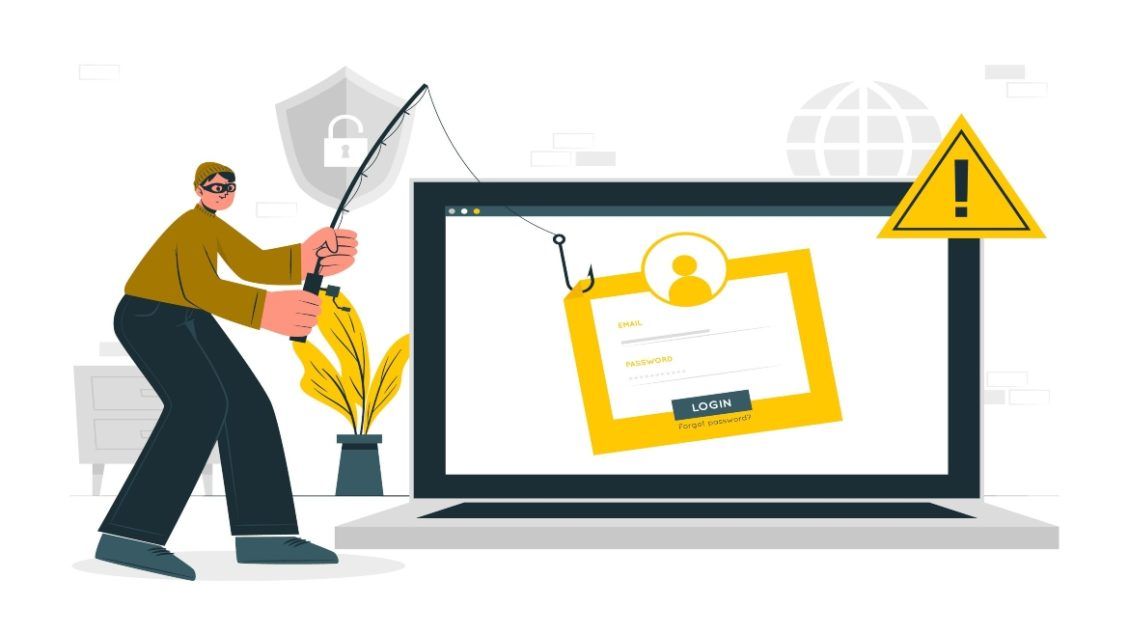
Temp mail protects your primary inbox by giving low-trust websites a disposable address. The problem with many temporary email services is that their domains are already known and blocked. SmailPro focuses on provider-domain temporary email: Gmail, Outlook, and selected regular domains for cases where acceptance matters.
Use temporary email when you need to receive a verification message but do not want a website to keep your personal address forever.
What Is Temp Mail?
Temp mail is a disposable email address used for short-term receiving. It helps you sign up, receive a code or link, then delete the address when the task is done.
A good temporary email workflow gives you three benefits:
- Your real inbox stays private.
- Spam from one website does not follow you everywhere.
- Each signup can use a separate address, making leaks easier to identify.
Why Domain Choice Matters
Websites often reject obvious disposable domains. If a form sees @tempmail.example, it may block the signup immediately. Gmail and Outlook are different because they are trusted consumer email providers used by real users worldwide.
SmailPro’s main advantage is that it can provide temporary access to Gmail and Outlook inboxes for receive-only verification. This improves acceptance compared with generic temp mail, while still keeping your personal address hidden.
Main Domain Options in SmailPro
Temporary Gmail
Temporary Gmail is useful when a platform accepts Gmail but rejects disposable domains. It is best for verification codes, free trials, forums, and testing workflows.
Temporary Outlook
Temporary Outlook is a good alternative when Gmail is not ideal or when a more business-looking address helps with context. It is also useful for testing email flows across multiple providers.
Education and Regular Domains
SmailPro also offers selected .edu.pl and regular temporary domains. Use these for low-stakes signups where a Gmail or Outlook address is not required.
Important: Domain availability changes over time as pools are refreshed. Always check the live SmailPro tool for the current options instead of relying on old domain lists.
How to Use Temp Mail Safely
- Open the temporary email tool.
- Generate a Gmail, Outlook, or regular temporary address.
- Use it for a low-trust signup or one-time verification.
- Read the incoming message in SmailPro.
- Delete or rotate the address when you are done.
Use a permanent email for accounts that need long-term recovery, payment records, legal notices, or customer support replies.
Best Practices
- Use one temporary address per website.
- Do not use temporary email for banking, crypto, healthcare, government, or legal accounts.
- Do not rely on temporary email for accounts you may need to recover years later.
- Keep screenshots or records elsewhere if a confirmation is important.
- Use SmailPro only for receive-only workflows; it cannot send replies.